
Current configuration
An inventory export from the management controller tells us exactly what is fitted and which slots are free.
Rack · tower · GPU servers · enterprise storage
Price Beat Promise: show us a lower written quote and we will beat it
Every configuration confirmed in writing
Service
Extending a server's life is often cheaper than replacing it. Send the models and current configurations, and we put together kits of memory, processors, drives, controllers or network adapters that the platform will accept, grouped per server so your engineers can fit them in one visit.
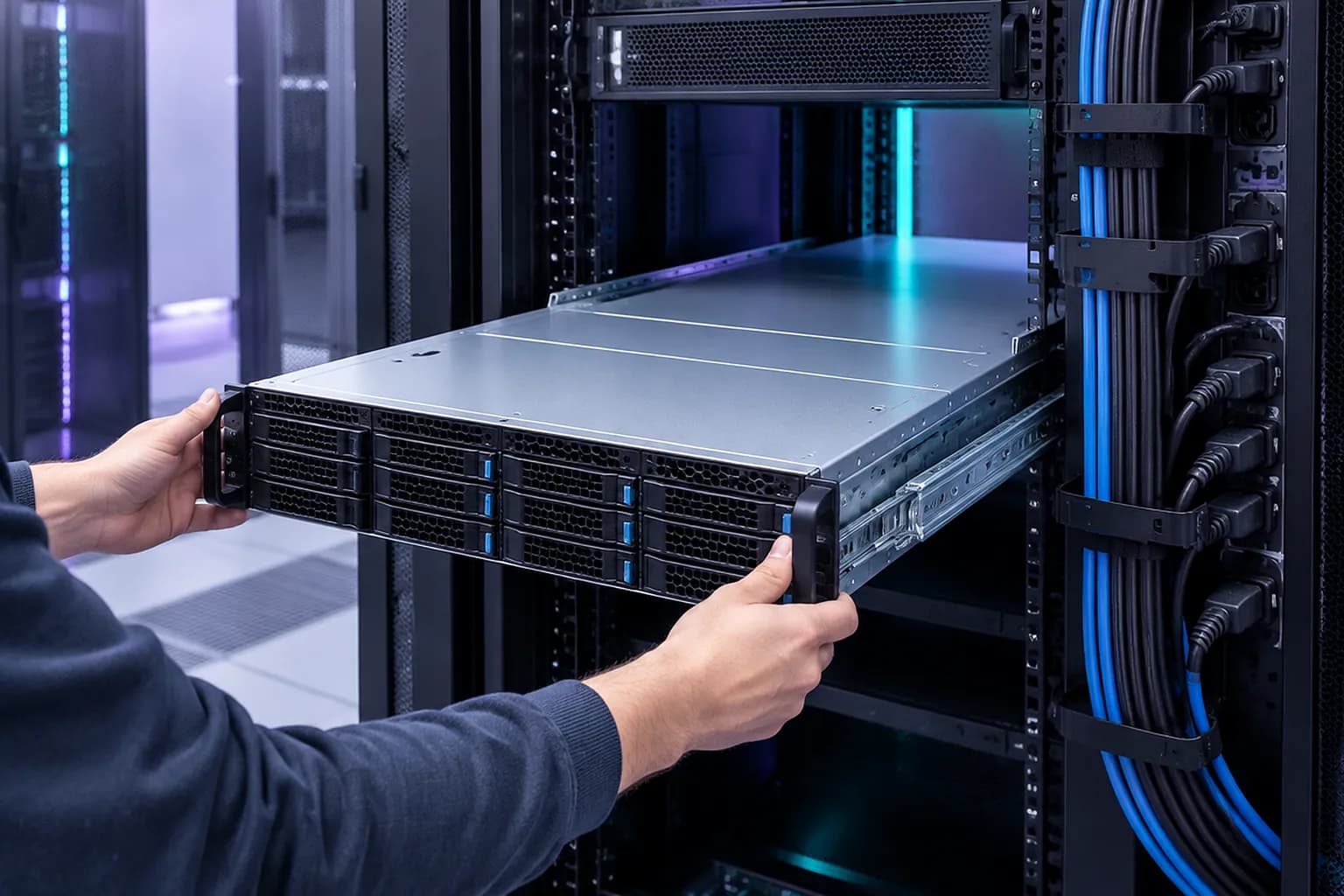
Many servers run out of memory or storage long before they run out of processing power. Adding memory, a second processor, faster drives or a 25 GbE adapter can give a host years more useful life for a fraction of the cost of a new platform, especially where the maker still supports the firmware.
The risk in upgrades is compatibility. Memory has to match the installed type and population rules, a second processor must match the first, newer drives may need a carrier or firmware update, and some cards need a specific riser. We check each item against the platform before quoting.
For fleets, we group kits per server or per site and label them, so an engineer can upgrade several machines without sorting parts on the data-centre floor.
Four checks keep an upgrade window short.
An inventory export from the management controller tells us exactly what is fitted and which slots are free.
Check the maximum memory, supported processors and drive types for that generation before choosing parts.
Some upgrades need a BIOS or controller update first. We flag it so it can be done before the parts arrive.
Upgrade memory per channel and processors in matched pairs, so performance improves evenly.
The more precise the starting point, the more precise the kit.
The same four checkpoints keep the sample, contract and commercial lot aligned.
We read your current configuration and confirm what the platform allows.
We propose parts per server, with any firmware prerequisites, and suppliers confirm them for the quote.
Parts are grouped into labelled kits with part and serial numbers listed.
Kits travel by air for urgent work or with a larger sea consignment.
Yes. Parts for popular generations remain widely traded, so upgrades are often practical well after manufacturer support ends.
We supply the kits; fitting is done by your engineers or your integrator. We include the platform notes they need.
Send the models or specifications, quantities, condition, destination and timeline. Our sourcing desk checks availability with suppliers and replies with written options.