

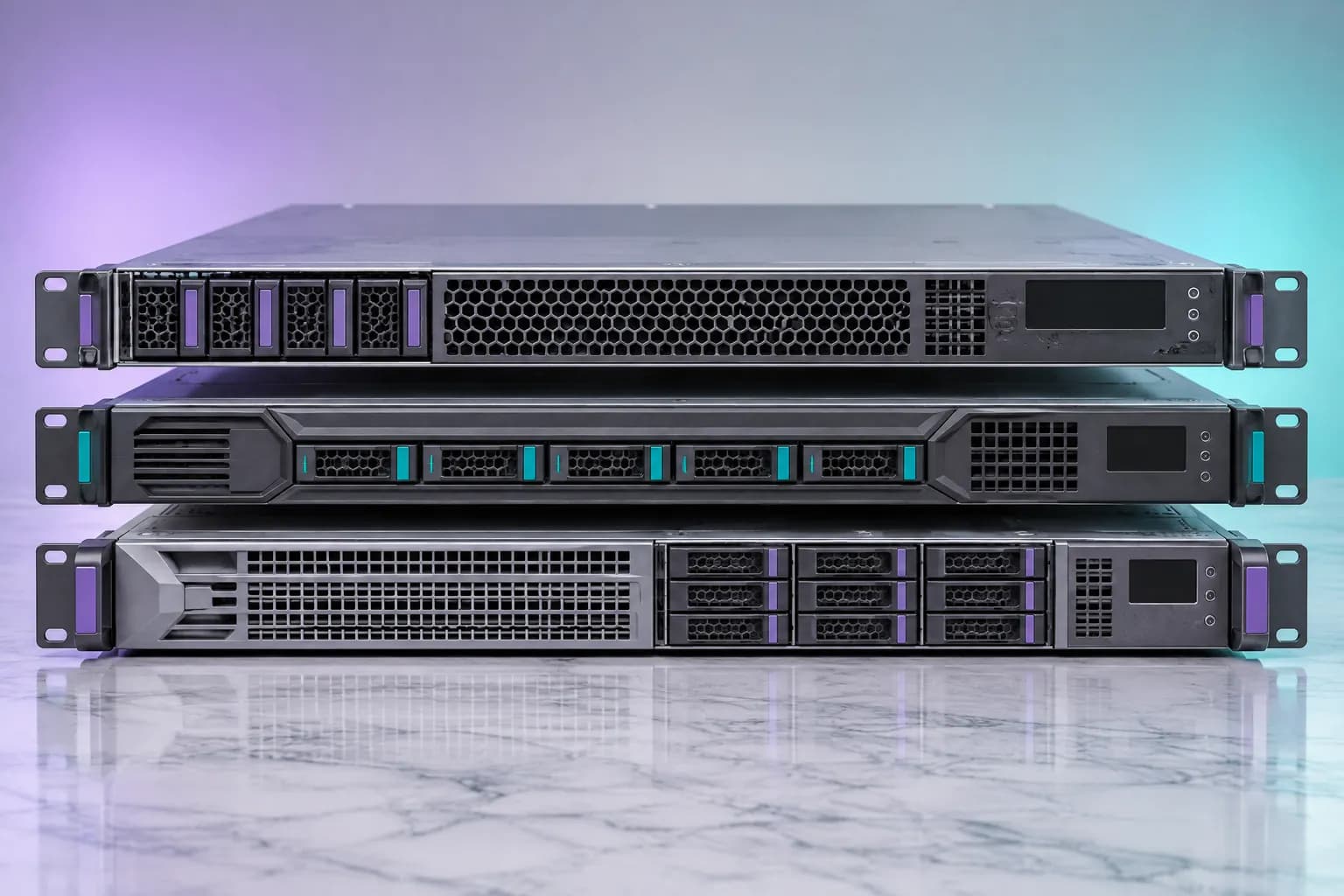
Server model names encode form factor, size class, generation and often processor vendor: in a Dell PowerEdge R760 the R means rack, the 7 a two-socket 2U class and the 6 the 16th generation; HPE marks generations with a Gen suffix such as Gen10 or Gen11; Lenovo adds V2, V3 and V4 to ThinkSystem names.
Knowing the generation matters for every server purchase. It tells you the processor family, the memory type, the PCIe generation, which spare parts fit and roughly how long the maker will keep releasing firmware.
How do Dell PowerEdge names work?
- First letter: R for rack, T for tower, C for dense multi-node, M or MX for modular, XE for extreme or accelerator platforms.
- First digit: the class, for example 6 for a two-socket 1U server and 7 for a two-socket 2U server.
- Second digit: the generation, 4 for 14th, 5 for 15th, 6 for 16th and 7 for 17th generation.
- Four-digit names such as R6525 or R7625 are AMD EPYC models; the third digit shows sockets on many of them.
How do HPE ProLiant names work?
DL marks rack servers and ML tower servers. Within the DL range, the DL360 is the two-socket 1U workhorse and the DL380 the two-socket 2U, while the DL325 and DL385 have been the AMD EPYC counterparts. The generation is written out as Gen10, Gen10 Plus, Gen11 and Gen12. Spare parts and options are usually specific to a generation, so always quote the full name.
How do Lenovo ThinkSystem names work?
SR marks rack servers, ST towers and SD dense systems. The SR630 is a 1U two-socket server and the SR650 a 2U two-socket server; names such as SR635, SR645, SR655 and SR665 are AMD models. The first ThinkSystem generation carries no suffix; later ones add V2, V3 and V4.
| Processor family | Dell PowerEdge | HPE ProLiant | Lenovo ThinkSystem |
|---|---|---|---|
| Xeon Scalable 1st and 2nd gen (DDR4) | R640, R740 (14th gen) | DL360, DL380 Gen10 | SR630, SR650 |
| Xeon Scalable 3rd gen (DDR4) | R650, R750 (15th gen) | DL360, DL380 Gen10 Plus | SR630 V2, SR650 V2 |
| EPYC 7002 and 7003 (DDR4) | R6525, R7525 | DL325, DL385 Gen10 Plus | SR645, SR665 |
| Xeon Scalable 4th and 5th gen (DDR5) | R660, R760 (16th gen) | DL360, DL380 Gen11 | SR630 V3, SR650 V3 |
| EPYC 9004 and 9005 (DDR5) | R6625, R7625 | DL325, DL385 Gen11 | SR645 V3, SR665 V3 |
Which generation should you buy refurbished?
For most buyers the sweet spot is one or two generations behind the newest. Those servers are retired in large numbers from data centres, cost a fraction of new and use parts that trade widely. DDR4 platforms based on Xeon Scalable 2nd and 3rd generation and EPYC 7002 and 7003 remain popular for virtualisation and hosting. DDR5 platforms are worth the extra where memory bandwidth, PCIe Gen5 or NVMe density matters, or where you plan to run the hardware for many years.
How long will firmware and parts last?
Each maker announces end-of-life and end-of-support dates for its platforms. Check them against your planned service life before buying. Even after official support ends, parts for widely deployed generations stay available through refurbishers and decommissioned servers for a long time, but firmware security updates stop, which matters for internet-facing systems.
One check for used AMD EPYC processors
Some server makers enable AMD Platform Secure Boot, which can bind an EPYC processor to that maker's platform after it has run in one. A bound processor will not work in another brand of server. When buying used EPYC processors or moving them between servers, ask the supplier to confirm lock status.
Related reading
Leave a Comment
Your email address will not be published.