

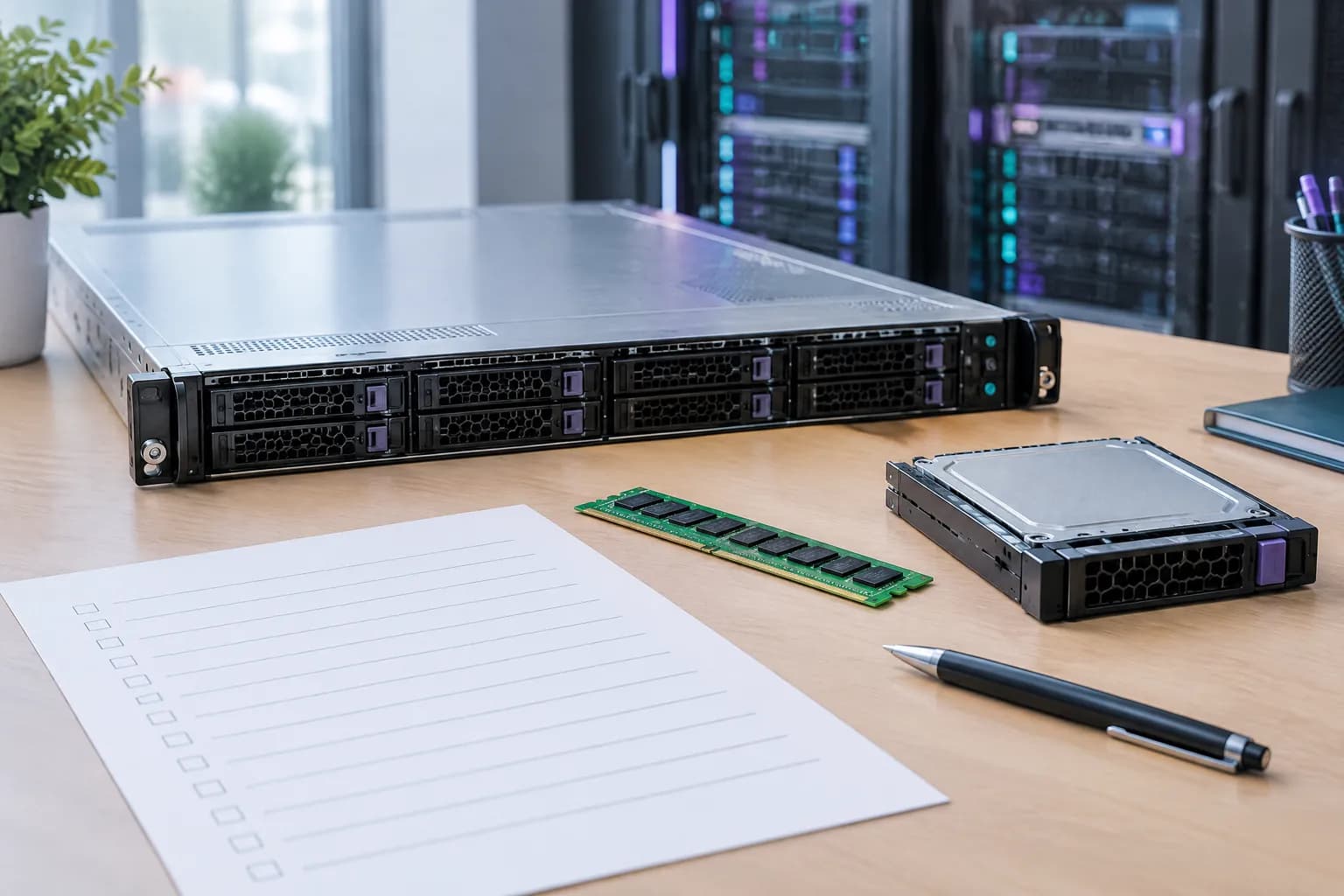
A good rack server bill of materials lists every part the supplier must fit, in the order they fit it, with each line marked as exact or open to an equivalent; start from the workload and the room, then work inward from chassis to processors, memory, storage, networking, power and fittings.
Most disappointing server deliveries trace back to a vague request. "Two R750s with 256 GB" can be answered in dozens of ways, all technically correct and most of them wrong for you. A bill of materials removes the guesswork, makes quotes comparable and gives you a document to check the delivery against.
Why start with the workload and the room?
Write two short paragraphs before any part numbers. The first describes the job: a virtualisation host for thirty light virtual machines, a database server with a hot working set, a backup target that mostly writes. The second describes the home: rack depth and hole type, power available per rack, supply voltage, PDU outlets and cooling. Those two paragraphs settle half the decisions that follow and stop a supplier proposing a 1,400 W configuration for a rack that has 3 kW left.
Which platform lines come first?
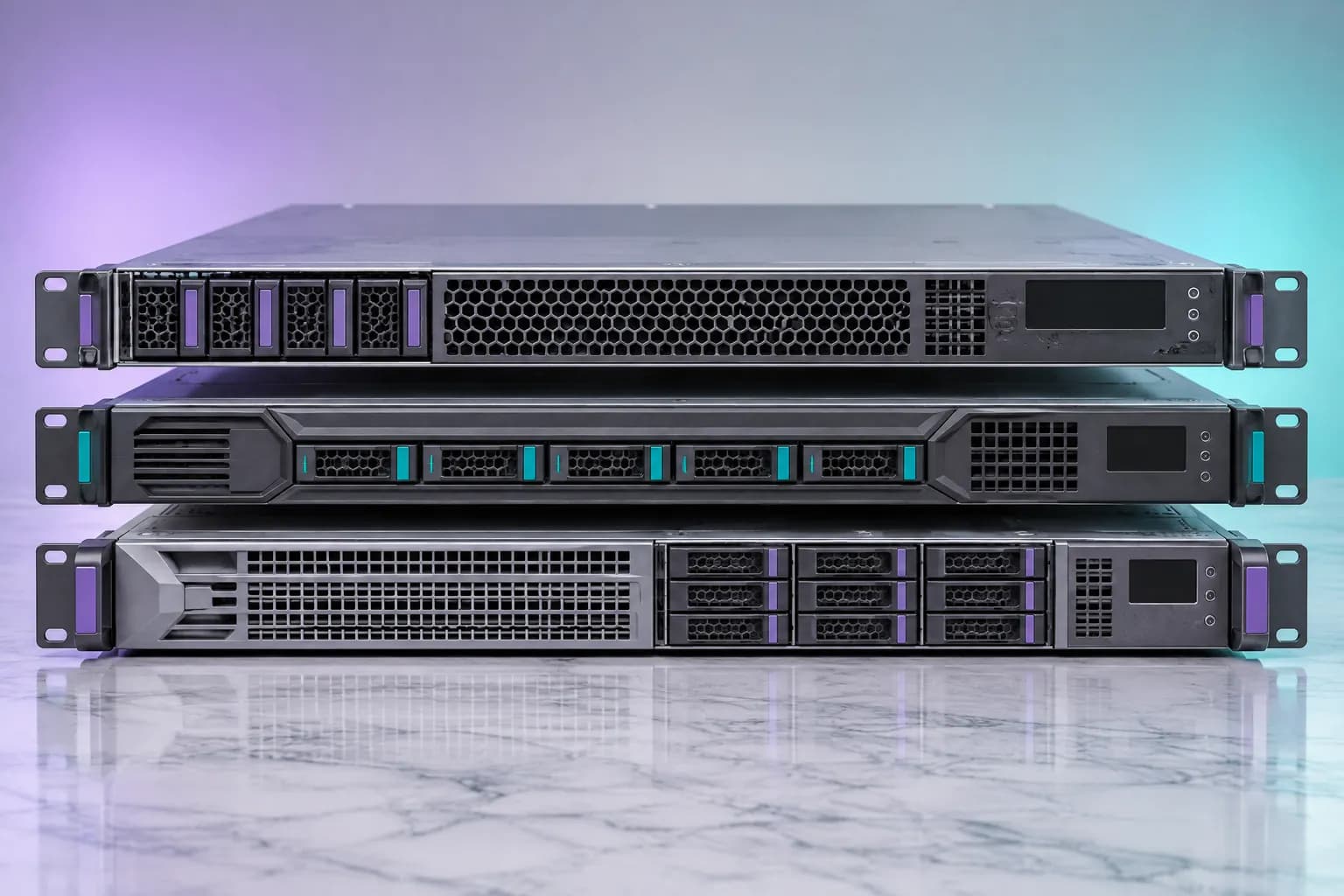
- Chassis: make and model family, 1U or 2U, and the bay layout (for example eight 2.5-inch SAS/SATA bays, or sixteen NVMe bays).
- Generation: name it, or give the minimum acceptable one. It decides memory type, PCIe generation and support horizon.
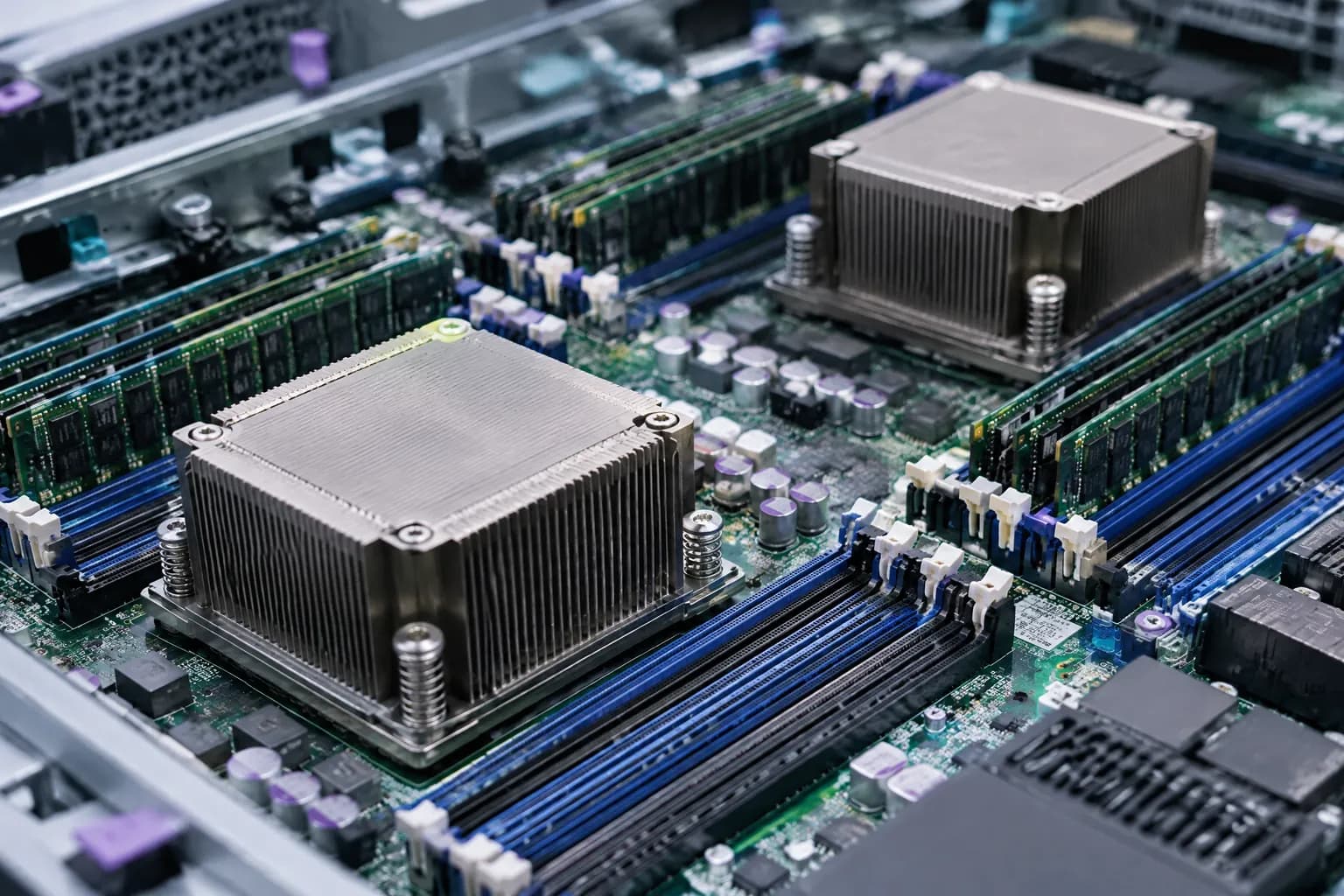
- Processors: an exact model, or a target such as "two processors, 24 cores each, base clock 2.4 GHz or higher".
- Sockets: one or two. Single-socket AMD EPYC systems often replace older dual-socket Intel builds at lower power.
How should memory be written down?
Never write only a total. Write module size, type and count per processor, for example "16 × 32 GB DDR4-3200 RDIMM, 8 per CPU". That tells the supplier the layout as well as the capacity, and lets you check that every memory channel is filled evenly. If you are matching servers already in service, add the part number from an installed module.
What belongs on the storage lines?
- Boot devices: a mirrored pair of small SSDs or the platform's dedicated boot module, kept separate from data drives.
- Data drives: interface (SAS, SATA or NVMe), capacity, endurance class for SSDs, count and condition.
- Controller: hardware RAID with a protected cache, or an HBA for software-defined storage. State the RAID layout if you want it configured.
- Empty bays: carriers or blanks, so airflow stays correct and future drives slide in.
Networking, power and fittings
List the network ports and speeds you need, including whether the server uses an OCP mezzanine slot or PCIe cards, and whether ports are copper or SFP-based. Optics and switch ports are quoted separately, so note what the switch side uses. For power, give the supply rating, whether you need two supplies, the cord type (C13/C14 or C19/C20) and your supply voltage, since many higher-wattage supplies only reach full output on 200–240 V. Finish with rails (sliding or static, square or round hole), cable-management arm, bezel and the management-controller licence level you expect.
| Line | Specification | Exact or equivalent |
|---|---|---|
| Chassis | 1U, 8 × 2.5-inch SAS/SATA bays, previous generation | Equivalent across makers |
| Processors | 2 × 24-core, base 2.4 GHz or higher | Equivalent |
| Memory | 16 × 32 GB DDR4-3200 RDIMM, 8 per CPU | Exact type and layout |
| Boot | 2 × 480 GB SATA SSD, mirrored | Equivalent |
| Data | 6 × 1.92 TB SAS SSD, mixed-use | Exact interface and class |
| Controller | Hardware RAID with cache protection, RAID 10 | Equivalent |
| Network | 2 × 25 GbE SFP28 (OCP) | Exact port type |
| Power | 2 × 800 W, C13/C14 cords, 230 V site | Exact cord type |
| Fittings | Sliding rails for square-hole rack, bezel | Exact rail type |
What condition and evidence should you ask for?
Say whether you want new or refurbished, and if refurbished, which grade. Then list the evidence: a burn-in or test log per serial, firmware versions, confirmation that the management controller was reset, and a sanitization record for any previously used drive. Ask for these in the request and they become part of the quote, not a favour after delivery.
How do you compare the quotes that come back?
Put the offers side by side against your own lines. Check that every exact line is matched exactly, that substitutes sit only where you allowed them, and that warranty basis, Incoterm, validity and lead time are stated. A quote that is cheaper because it quietly dropped the second power supply or the rails is not cheaper. If you hold a lower written quote for the same configuration, grade, quantity and delivery terms, our Price Beat Promise applies under the conditions in our terms.
Related reading
Leave a Comment
Your email address will not be published.