

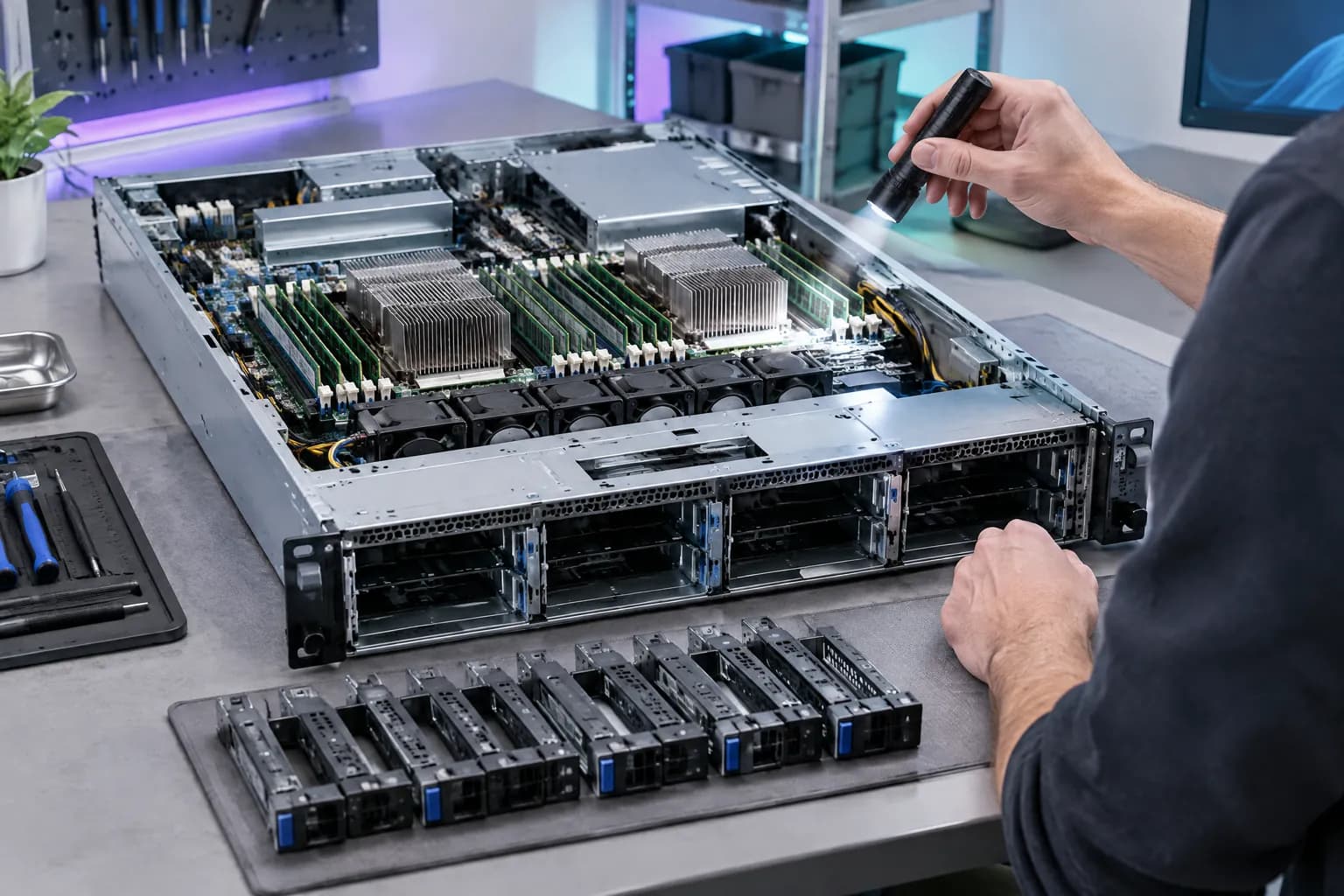
Inspect a refurbished server twice: on paper before you pay, by asking for the configuration confirmation, test log, firmware record, controller reset and drive sanitization records; and in person when it arrives, by checking the packaging, serials, physical condition, inventory and a short burn-in of your own.
Refurbished servers are one of the best-value purchases in IT, but only when the refurbishment was real. The checklist below is the one we work through with suppliers in Dubai, split into what to settle before money moves and what to verify when the pallet lands.
Before payment: what should the quote prove?
- Configuration: every part from your bill of materials confirmed, not just the model name.
- Grade: the refurbisher's own description of each cosmetic grade, in writing.
- Test log: burn-in under load and the maker's diagnostics, run on that serial.
- Firmware: BIOS, management controller, RAID controller and drive firmware versions recorded.
- Reset: management controller and BIOS returned to factory defaults, with no previous owner's accounts or network settings.
- Drives: sanitization record per serial for any used drive, naming method and verification.
- Warranty and licences: the refurbisher's warranty term, and the management and OS licence status for the serial.
If a supplier cannot provide one of these, ask why before deciding whether it matters for your use. A missing test log on a server destined for production is a reason to walk away; a missing bezel is not.
On arrival: what should you check first?
Before opening anything, photograph the pallet and cartons. Crushed corners, broken straps or tilt indicators that have tripped are worth recording for the carrier. Then match every carton and serial against the packing list. Only after the paperwork matches should servers come out of their foam.
The physical inspection
- Chassis: no bent rack ears, dented lids or cracked front panels; rails and cable arms present if ordered.
- Interior: heatsinks seated, no loose screws or debris, air shrouds and fan modules in place.
- Memory: module count, part numbers and slot positions match the bill of materials.
- Drives: carriers latch firmly, blanks fitted in empty bays, drive labels match the serial list.
- Power: both supplies present, matching wattage, correct cords for your PDUs.
- Cosmetic grade: wear consistent with the grade the refurbisher described.
Power-on checks: what should the first boot show?
Connect the management port first and log in with default credentials, then change them immediately. The management controller's hardware inventory should list the processors, memory, drives, controller and network cards you ordered. Its event log should be clear or show only entries from the refurbisher's testing. Check for any predictive-failure warnings on drives or memory, and confirm the firmware versions match the record you were sent.
| Check | Where to look | Raise it if you see |
|---|---|---|
| Inventory | Management controller hardware view | Missing or different parts |
| Event log | Management controller logs | Memory, PSU or thermal errors |
| Drive health | Controller or OS health tools | Predictive failure, high wear |
| Firmware | Management controller firmware view | Versions differing from the record |
| Licences | Management controller licence page | A lower level than quoted |
| Burn-in | Your own stress test | Errors or thermal throttling under load |
Should you run your own burn-in?
Yes, if the server is going into production. A day of processor and memory stress, plus a drive surface or read test, will catch most problems that transport might have caused. Run it in the rack where the server will live, so you also test the power and cooling it will see.
What if something is wrong?
Write down the serial, the fault, the log entry or photograph, and the date, and send them to the seller as soon as you find them. Clear evidence makes warranty claims quick. Keep the original foam and cartons until acceptance is complete, because a return in loose packaging rarely ends well.
Related reading

Leave a Comment
Your email address will not be published.