

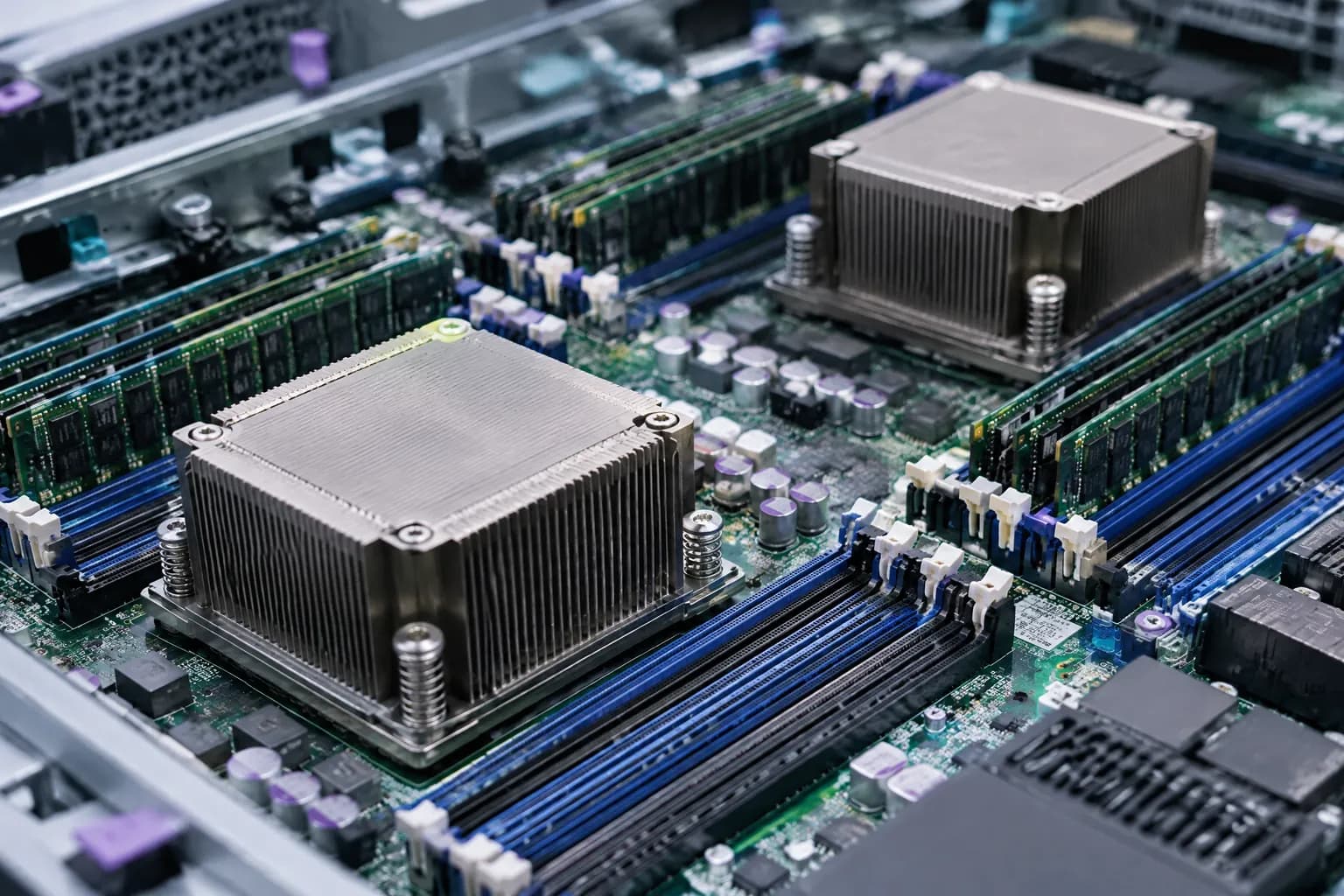
Populate server memory by filling every channel on every processor with the same capacity, using one module type throughout, one module per channel where speed matters and identical part numbers wherever you can; the total capacity is the last thing to decide, not the first.
Memory is the upgrade buyers get wrong most often, because it looks simple. The capacity printed on the quote hides the layout, and the layout decides whether a server runs at full speed, runs slowly or refuses to start.
What is a memory channel and why does it matter?
Each server processor has a number of independent memory channels, and each channel has one or two slots. Bandwidth adds up across channels, so a processor with eight channels and memory in only four of them delivers roughly half its potential bandwidth. The first rule is therefore simple: populate every channel, on every processor, before thinking about anything else.
| Platform | Memory type | Channels per CPU |
|---|---|---|
| Intel Xeon Scalable 1st and 2nd gen | DDR4 | 6 |
| Intel Xeon Scalable 3rd gen | DDR4 | 8 |
| Intel Xeon Scalable 4th and 5th gen | DDR5 | 8 |
| Intel Xeon 6 (larger models) | DDR5 | 8 or 12, by model |
| AMD EPYC 7001, 7002 and 7003 | DDR4 | 8 |
| AMD EPYC 9004 and 9005 | DDR5 | 12 |
One or two modules per channel?
Many servers have two slots per channel. Filling one per channel usually gives the highest supported speed. Filling both doubles the module count and capacity but, on many platforms, lowers the speed the memory controller will run, sometimes noticeably on DDR5. If you need large capacity at full speed, buy larger modules and keep to one per channel; if capacity matters more than bandwidth, two per channel is fine.
Which module types can be mixed?
- RDIMM: registered modules, the standard choice in two-socket servers on DDR4 and DDR5.
- LRDIMM: load-reduced DDR4 modules for large capacities. They cannot share a server with RDIMMs.
- 3DS RDIMM: modules built from stacked memory dies for the largest sizes, with their own population rules.
- ECC UDIMM: unbuffered ECC modules used by entry towers and single-socket Xeon E systems, never in two-socket servers.
- DDR4 and DDR5: physically different and never interchangeable.
Mixing types is the classic way to get a server that will not finish its power-on test. Even within one type, mixing ranks or speeds forces the whole system down to the slowest common setting, and some platforms refuse certain combinations outright.
What do ranks mean on a module label?
A rank is a set of memory chips the controller addresses together. Labels show it as 1R, 2R, 4R or 8R, followed by the chip organisation such as x4 or x8. Dual-rank modules often perform slightly better than single-rank ones at the same speed because the controller can interleave between ranks. Higher-rank modules allow more capacity but can lower the supported speed. Match the rank of modules already fitted unless you are replacing them all.
A worked example
Suppose a two-socket server with eight channels per processor and two slots per channel needs 512 GB. Option one is 16 × 32 GB, one per channel, every channel filled: balanced and at full speed. Option two is 32 × 16 GB, two per channel: the same capacity, more modules, possibly lower speed and no free slots for later. Option three is 8 × 64 GB, filling only half the channels: the same capacity again, but roughly half the bandwidth. On paper all three say 512 GB; only the first is the right answer for most workloads.
How do you order the right modules?
Send the server model, the processors fitted and, if you are adding to existing memory, the full label of an installed module. From that we identify the type, rank, organisation and speed, and quote matching parts, including server-vendor equivalents where the server prefers them. For a new build, give the target capacity and we propose a layout that keeps every channel balanced.
Related reading


Leave a Comment
Your email address will not be published.