

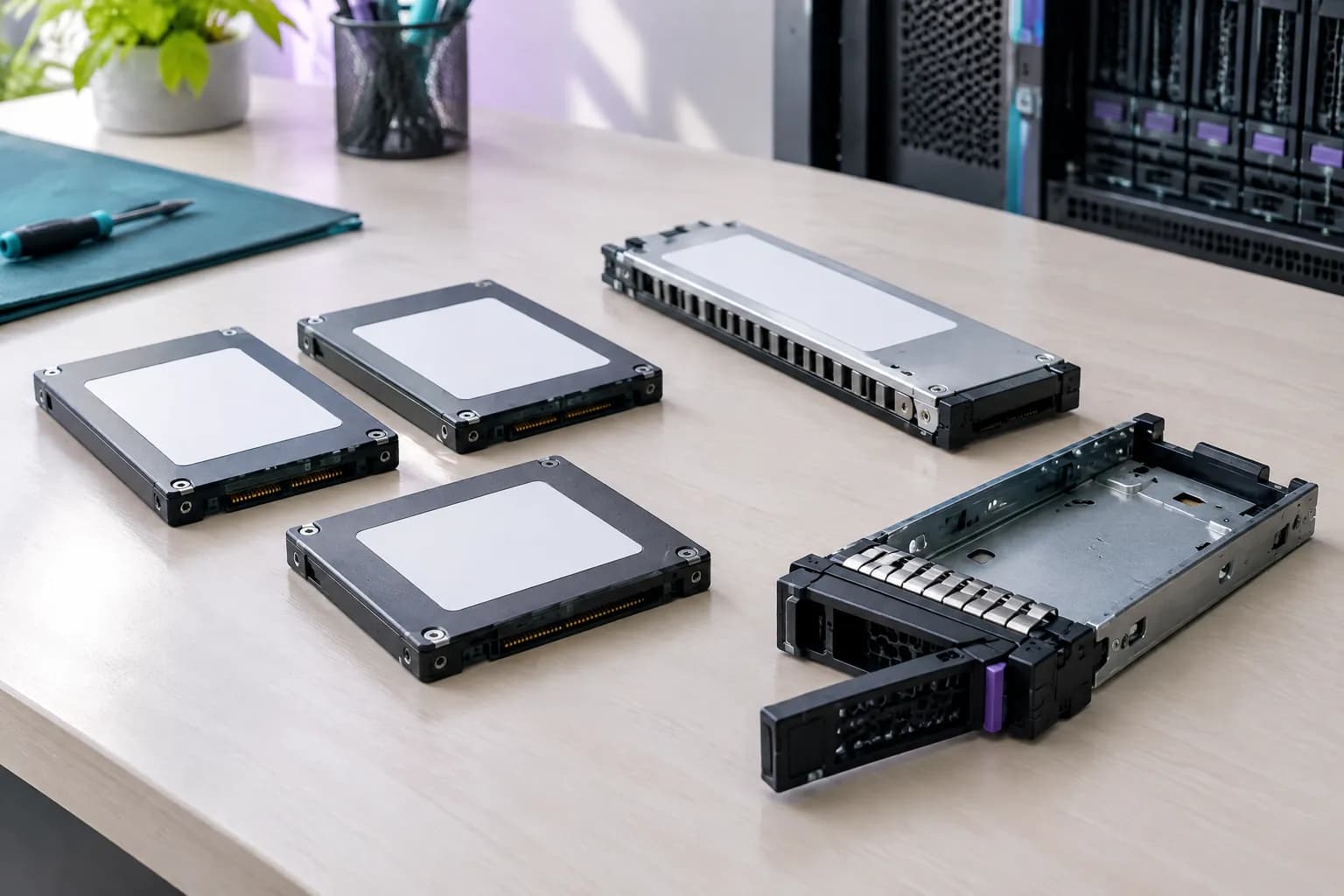
SSD endurance is the amount of data a drive is rated to absorb over its warranty, quoted either as drive writes per day (DWPD) or total terabytes written (TBW); choose read-intensive drives for read-heavy work, mixed-use for virtualisation and databases, and write-intensive for logging and caching, and avoid client SSDs for production servers.
Flash memory wears as it is written. Every SSD maker rates how much writing a drive can take, and in servers that rating decides whether a drive lasts its full service life or wears out early under a heavy workload.
What are DWPD and TBW?
DWPD means drive writes per day: how many times the drive's full capacity can be written every day for the length of the warranty. TBW means terabytes written: the total volume over the same period. They are two views of the same figure. TBW equals DWPD multiplied by capacity in terabytes, by 365 and by the warranty years. A 3.84 TB drive rated at one DWPD over five years comes to roughly 7,000 TB, or about 7 PB written.
Read-intensive, mixed-use or write-intensive?
| Class | Typical rating | Suits |
|---|---|---|
| Read-intensive | About 1 DWPD | Boot, web content, analytics, read-heavy databases |
| Mixed-use | About 3 DWPD | Virtualisation, general databases, hyper-converged storage |
| Write-intensive | About 10 DWPD or more | Logging, caching tiers, heavy transaction processing |
The same flash often sits inside drives of different classes. A mixed-use drive frequently has less usable capacity than its read-intensive sibling, for example 3.2 TB instead of 3.84 TB, because the maker reserves more flash as spare area. That extra headroom lets the drive spread writes and absorb more of them.
How do you estimate the endurance you need?
Measure the daily writes of the current system, from storage statistics or drive health data, and divide by the capacity you plan to buy. If a database writes 2 TB a day to an array of 3.84 TB drives, the per-drive figure depends on the RAID layout, but it is easy to see that read-intensive drives could be stretched while mixed-use drives leave a comfortable margin. Remember that RAID parity and write amplification inside the drive add to the host's writes.
Why do client SSDs fall short in servers?
- No power-loss protection: client drives can lose data held in their cache if power fails mid-write. Enterprise drives carry capacitors to finish the write.
- Inconsistent latency: client drives are tuned for bursts and can slow dramatically under sustained writes once their cache fills.
- Lower endurance: client ratings are a fraction of mixed-use enterprise ratings at the same capacity.
- Missing data-path protection and management features that servers and arrays expect.
- Firmware and form factor: many servers and arrays expect enterprise interfaces such as SAS or U.2 NVMe and may flag unknown drives.
Interface and form factor
Endurance is only one part of the choice. SAS drives need a SAS controller and backplane; NVMe drives need an NVMe-wired backplane; U.3 drives fit U.2 bays on some platforms but not all; EDSFF E1.S and E3.S appear on newer servers. The carrier must match the server generation. Send the server model or an installed drive's part number and we match all of it.
Buying pulled enterprise SSDs
Pulled drives from decommissioned servers are common and can be good value for spares, labs and secondary storage. Ask for the health readout of each serial, including the percentage of rated endurance used and power-on hours, plus a sanitization record. A drive with most of its endurance left is a very different purchase from one near the end.
Related reading
Leave a Comment
Your email address will not be published.