

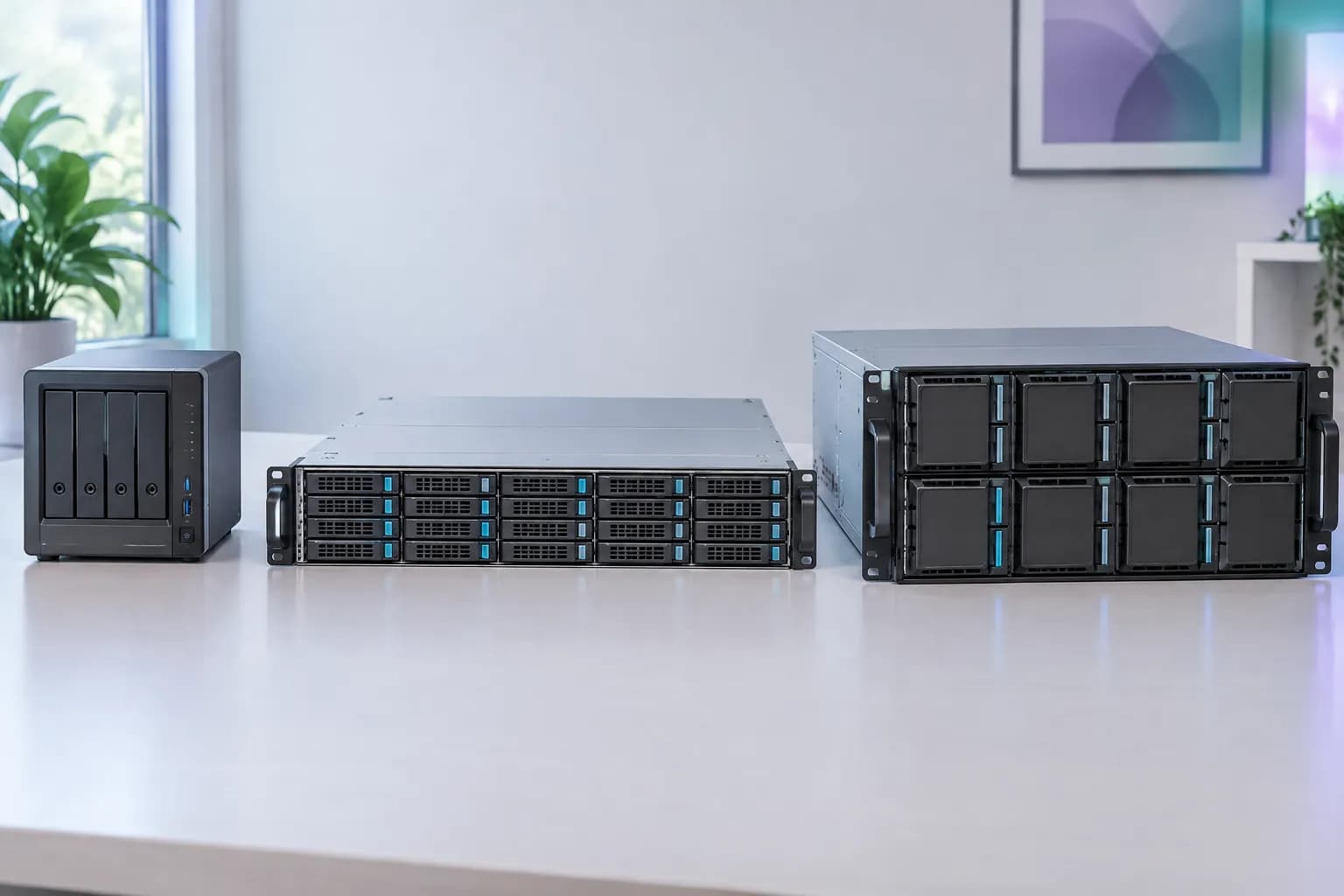
Choose a NAS when users and servers need shared files over the network, a SAN array when servers need shared block storage with controller redundancy for virtual machines and databases, and a JBOD when an existing server or array simply needs more drive bays.
The three terms are often used loosely, and buyers sometimes order the wrong one. They are not competing products so much as different tools, and many sites end up running all three.
What is a NAS?
Network-attached storage is a self-contained system that shares files over the network using protocols such as SMB and NFS. It has its own processor, operating system and drives, and any computer on the network can reach it. Many NAS units can also serve iSCSI block targets and replicate to a second unit. NAS suits departmental file shares, backup repositories, surveillance archives and small virtualisation setups.
What is a SAN array?
A storage area network array presents block storage, logical volumes that look like local disks, to several servers at once. It connects over iSCSI on Ethernet, over Fibre Channel or directly by SAS. Two controllers share the work and take over from each other if one fails, which is why SAN arrays are the traditional home for virtualisation clusters and databases that cannot stop.
What is a JBOD?
JBOD stands for just a bunch of disks. It is an enclosure of drive bays with SAS expanders, power and cooling, but no RAID logic. It attaches to a server's host bus adapter, for software-defined or object storage, or to an array as an expansion shelf. It is the cheapest way to add many drives, provided something else manages them.
| NAS | SAN array | JBOD | |
|---|---|---|---|
| Presents | Files (and often iSCSI) | Block volumes | Raw drives |
| Connects by | Ethernet | iSCSI, Fibre Channel or SAS | SAS to a host or array |
| Own controller | Yes, usually one | Yes, usually two | No |
| Typical use | Shares, backup, archives | Virtualisation, databases | Capacity expansion |
| Key check | Drive compatibility list | Host connection and licences | Host adapter and cabling |
Which questions settle the choice?
- Do users need files, or do servers need disks? Files point to a NAS; disks point to a SAN.
- How many servers share the storage, and can they tolerate a controller failure?
- What network is already in place: Ethernet only, or a Fibre Channel fabric?
- How much usable capacity is needed today and in three years, after protection and spares?
- Is there an array or server already in place that new capacity must attach to?
Compatibility checks before ordering
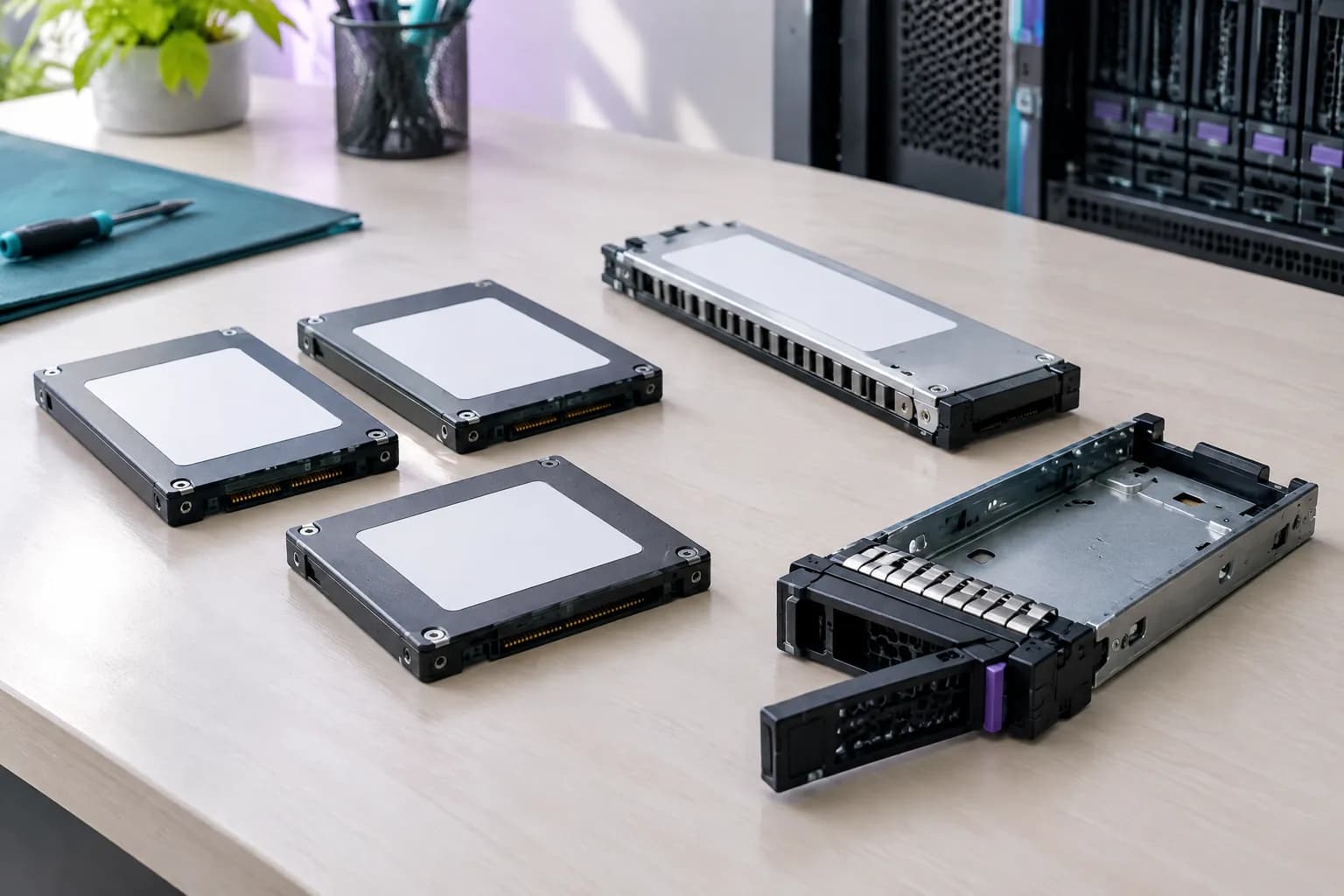
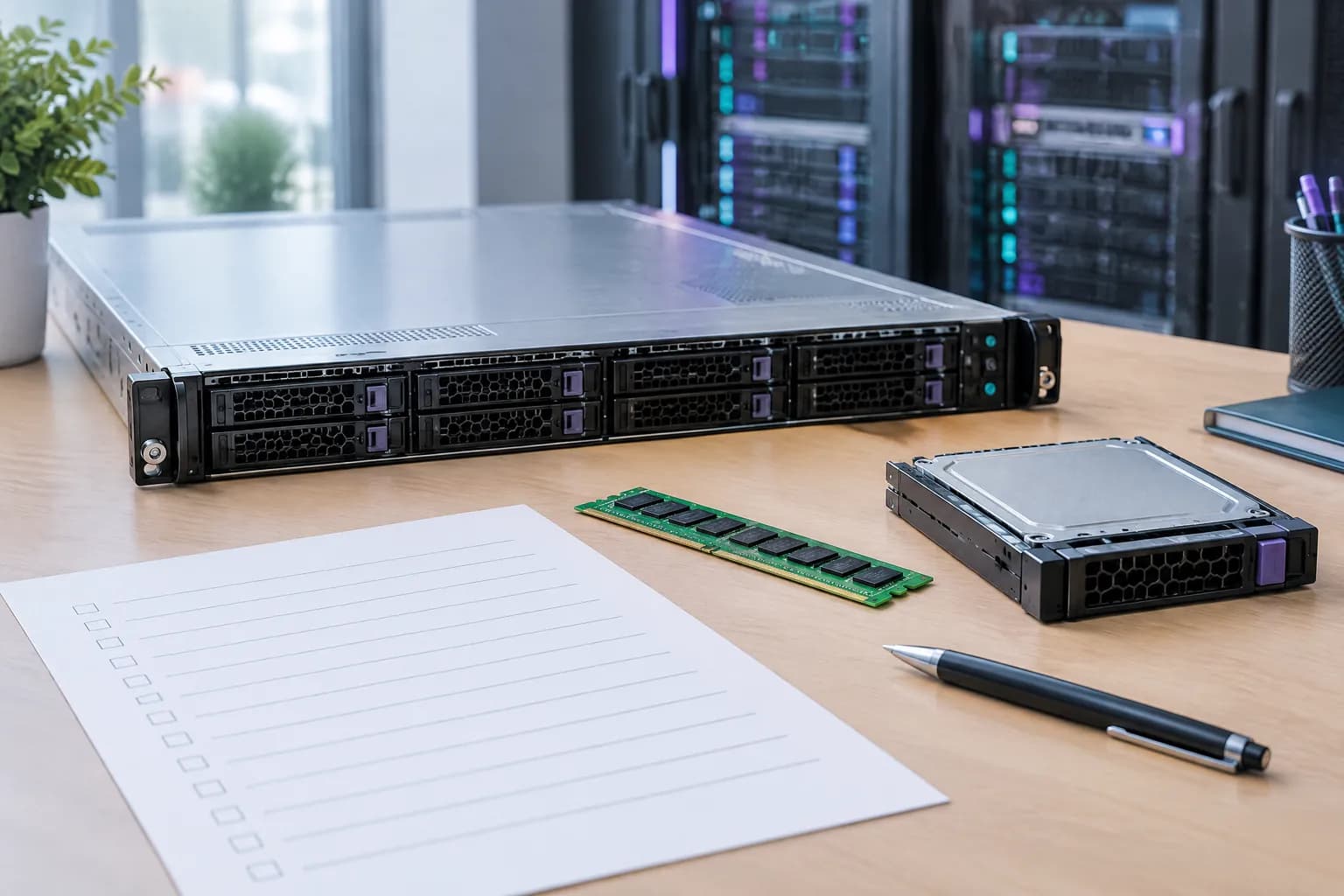
Storage compatibility is stricter than server compatibility. Arrays often accept only drives carrying the maker's firmware and carriers. NAS makers publish drive lists and may warn about unlisted drives. Host adapters must match the array's ports, Fibre Channel needs matching transceivers and switches, and JBOD shelves must be a model the array or HBA supports. On refurbished arrays, check which software features are licensed on that serial and how long firmware updates will continue.
Can one design replace another?
Sometimes. A capable NAS can serve iSCSI to a small cluster, and software-defined storage on servers with JBOD shelves can replace a SAN for some workloads. The trade-offs are management effort, failure behaviour and support. If in doubt, describe the workload and we propose the options side by side.
Related reading
Leave a Comment
Your email address will not be published.