

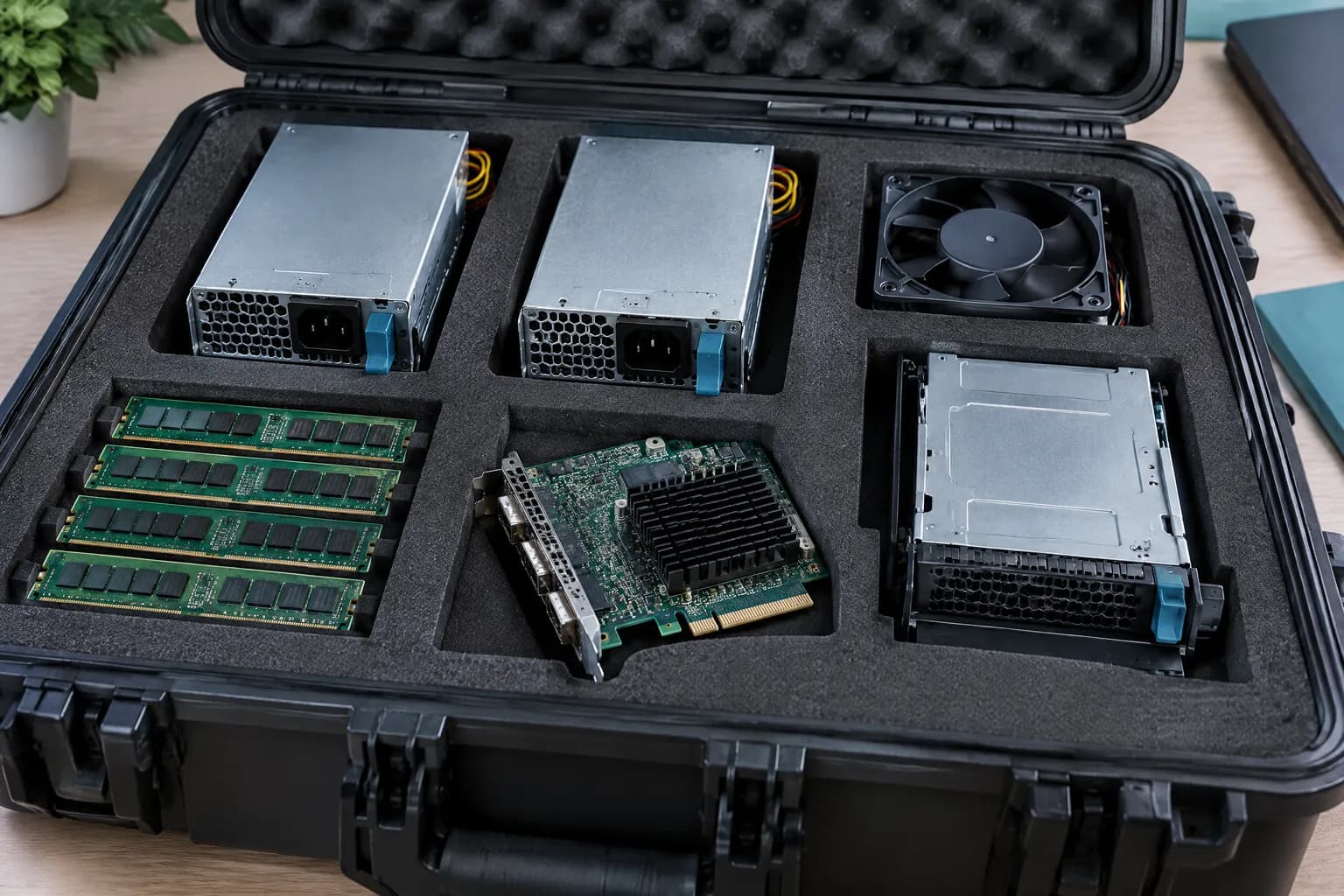
To order the right server part, send the server model and generation together with whatever number is printed on the part's label, because makers use separate option, spare and assembly numbers for the same component, and the label number plus the model is usually enough to identify the exact match.
Server spares are where small mistakes cost the most time. A power supply that looks identical but belongs to the next generation, or a drive in the wrong carrier, means another shipment and another week of a server running without redundancy.
Why does one part have several numbers?
Makers sell parts through different channels. An option is the boxed upgrade a customer buys and fits. A spare is the service replacement an engineer carries. The physical assembly often has its own manufacturing number printed on the label. All three may describe the same hardware, but ordering systems treat them separately, and the label you are holding may show only one.
| Maker | Numbers you will see | Useful extra |
|---|---|---|
| Dell | Dell part number on the label, often five or six characters | Service tag of the server |
| HPE | Option numbers ending -B21, spare numbers ending -001, assembly numbers | Server serial and product number |
| Lenovo | Option part numbers and FRU numbers | Machine type and model |
| Supermicro | Component model numbers | System or motherboard model |
What should you send to order a part?
- The server make, model and generation, or the service tag or serial number
- A clear photograph of the part's label, or the number printed on it
- For power supplies: the wattage and the model of the supply already fitted
- For drives: interface, capacity and the carrier type
- For memory: the full label of a module already installed
- The condition you want: new, pulled and tested, or refurbished
Which parts can your own staff replace?
Hot-plug power supplies, fans, drives in carriers and often memory are designed for quick replacement. System boards, backplanes and some controllers need an engineer, and a system board swap may require the service tag and configuration to be restored afterwards. Knowing which is which helps you decide what to stock on site and what to order when needed.
How do you build a spares kit?
For a remote server room, the cost of a spares kit is small next to the cost of waiting for freight with a server down. Build one kit per server model in the fleet, scale quantities to the number of servers, and refresh it when parts are used.
| Part | Quantity for up to ten servers | Why |
|---|---|---|
| Hot-plug power supply | 1–2 | Most common failure on unstable power |
| System fan | 1–2 | Dust and heat wear fans |
| Data drive in carrier | 2 | Rebuild a failed RAID member immediately |
| Memory module | 1 | Replace a module reporting errors |
| Boot device | 1 | Keep the host bootable |
Does firmware matter for spares?
Sometimes. Drives and controllers may need a minimum firmware level to work with the server or array, and a redundant pair of power supplies should match in model and wattage. Note the firmware levels of your fleet and include them in spares requests; we check them with the supplier.
Related reading
Leave a Comment
Your email address will not be published.