NAS Storage
NAS Storage for File Sharing, Backup and Surveillance Archives
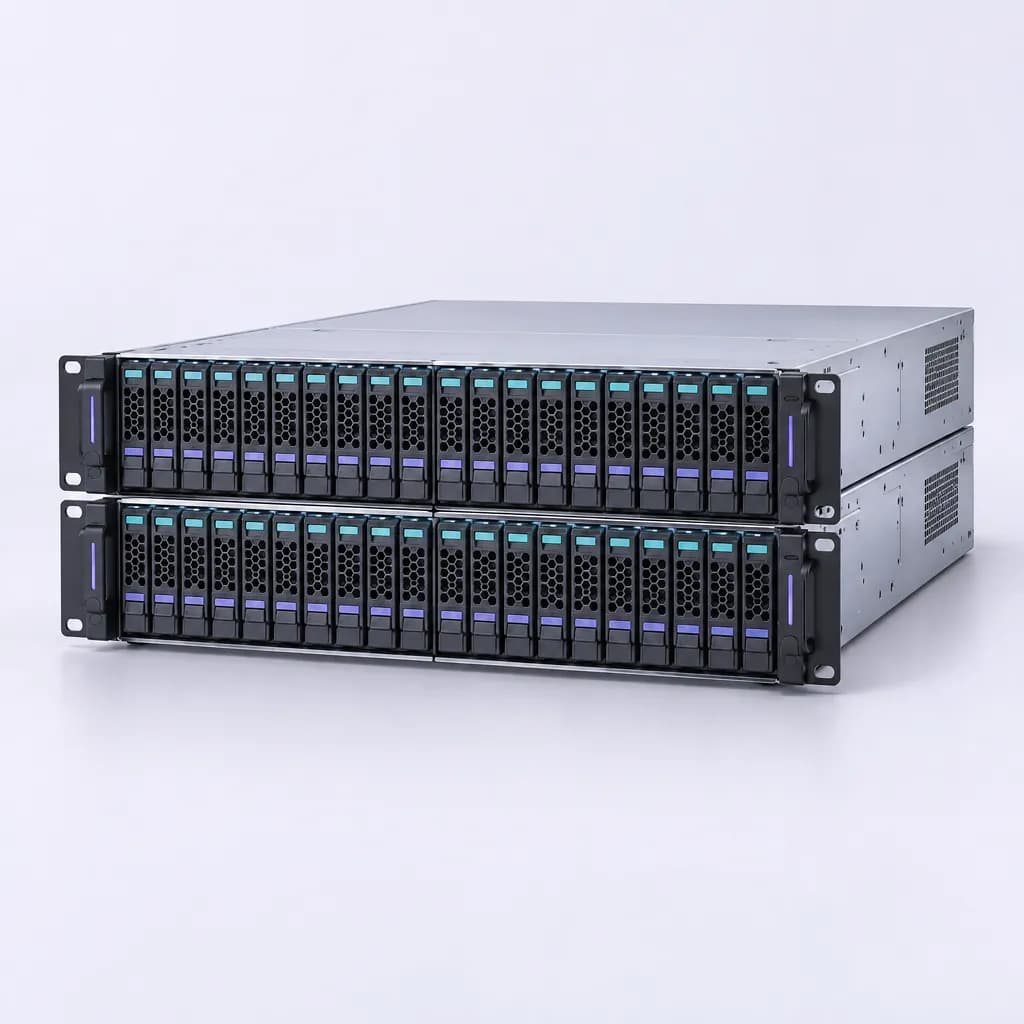
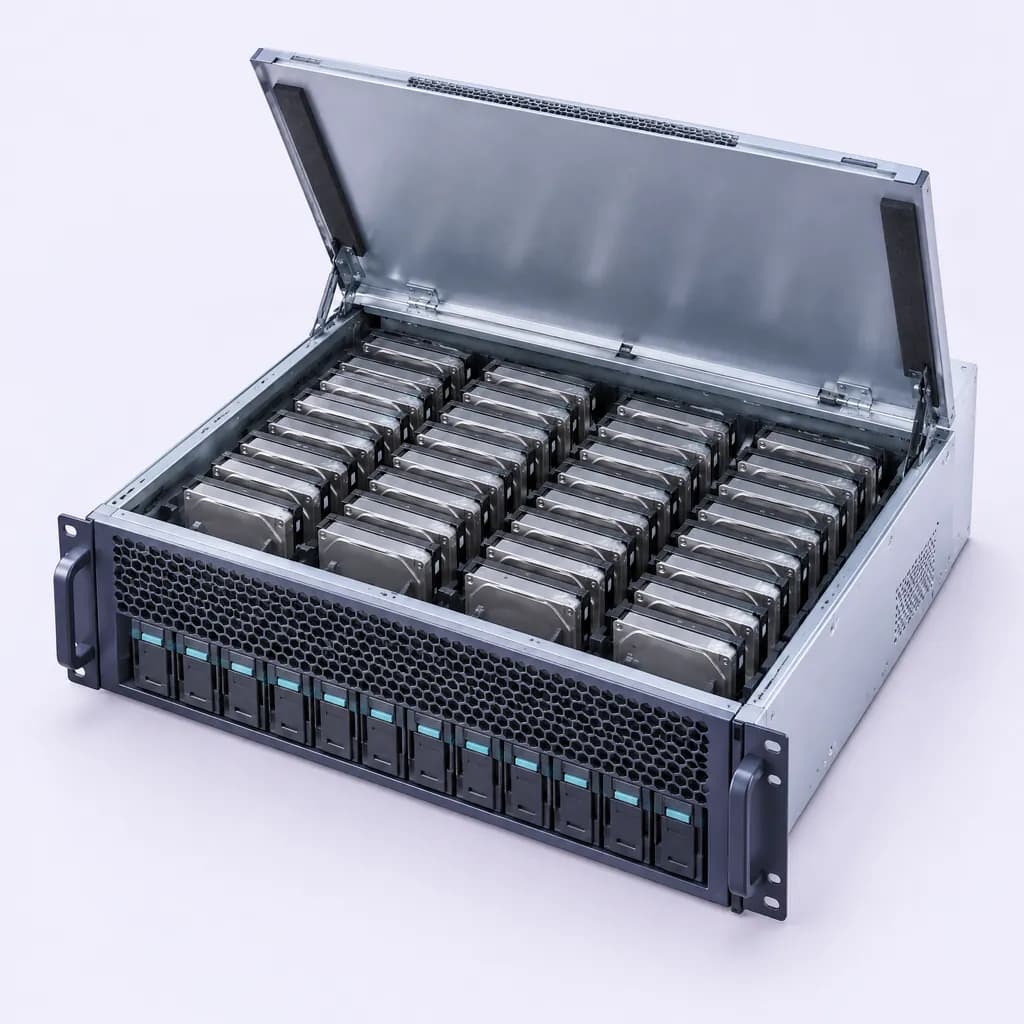
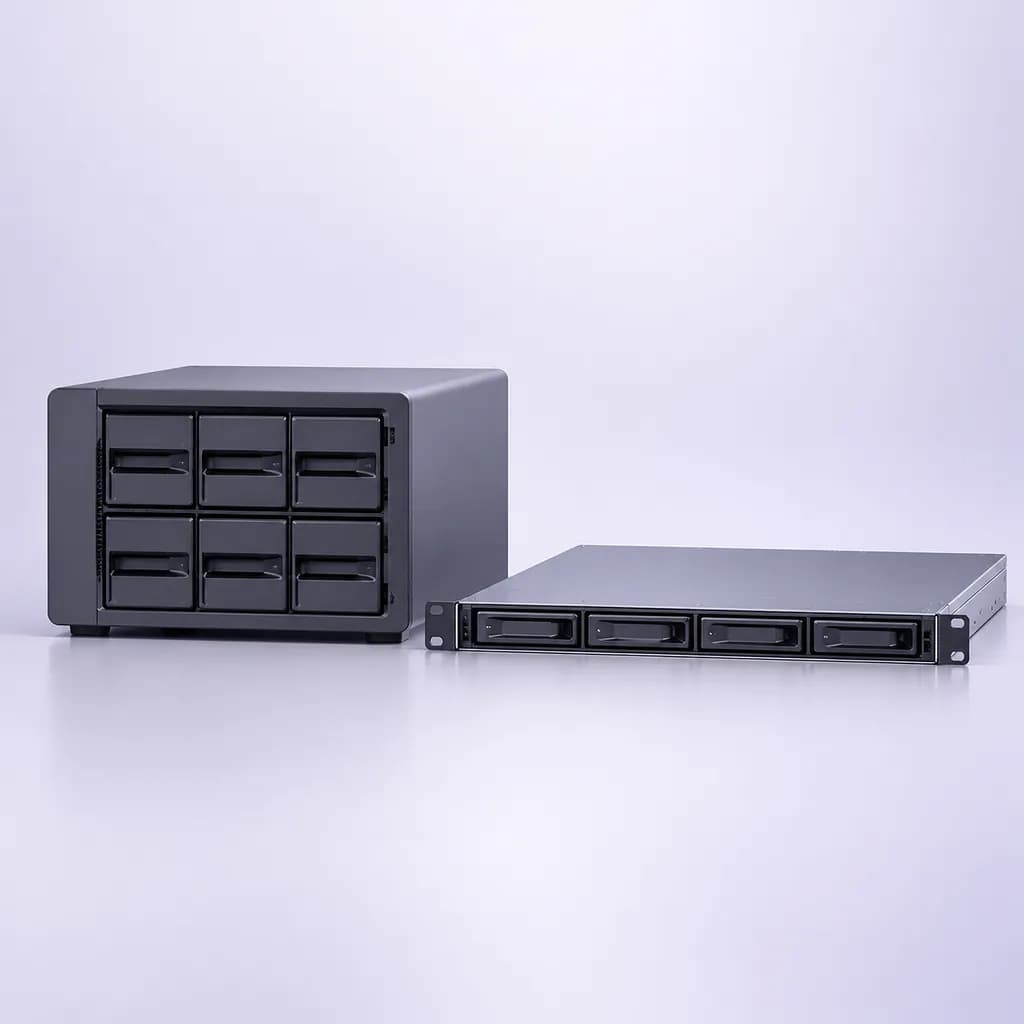
Desktop and rackmount network-attached storage for shared files, backup repositories and video archives. We size the bay count and drive type to the usable capacity and protection level you need, and quote drives from the maker's compatibility list.
| Condition | New (sealed) · Refurbished on request |
|---|---|
| Ships from | Dubai, UAE |
| Brands | Synology, QNAP, TrueNAS systems and server-maker NAS appliances on request; independent trader, no brand affiliation. |
| Typical models | Two to eight-bay desktop units, 1U to 4U rackmount units with 4 to 24 or more bays, and all-flash rackmount models |
| Form factor | Desktop or rackmount; expansion units available for many rackmount models |
| Processor options | Embedded or server-class processors depending on the model's role and drive count |
| Memory | Fixed or expandable ECC memory on business models; more memory helps caching and deduplication |
| Storage | 3.5-inch hard drives for capacity, 2.5-inch or M.2 SSDs for cache or all-flash pools; drives chosen from the maker's compatibility list |
| Ports & interfaces | 1 GbE as standard, 10 or 25 GbE built in or by PCIe card on business models |
| Performance | RAID or pool protection level, SSD cache and snapshot schedule set by the buyer |
| Power | External adapter on small desktop units; internal or redundant supplies on rackmount models; 100–240 V |
| Operating system | The maker's storage operating system; add-on licences such as extra camera channels are confirmed per order |
| Testing & grading | New units sealed; refurbished units tested by the supplier with drive and network checks, firmware version recorded |
| Warranty basis | Maker cover depends on whether the manufacturer recognises the unit's original sales region; refurbished equipment carries the refurbisher's warranty where one is given. Each quote names the basis line by line. |
| Compliance & markings | Regulatory markings such as CE, FCC and RoHS are checked against the maker's published documentation for every model on the quote. |
| Packing | Enclosures shipped in original cartons; drives packed separately in protective trays unless factory-populated |
| Order quantity | We do not set a minimum. A single replacement part, a pair of servers or a full rack row can all be quoted; tell us the real quantity. |
| Lead time | Stated in the written quote after the supplier confirms the exact part numbers, configuration and condition for your request. |
| Documents | Commercial invoice, packing list and a per-serial drive list; for pulled drives, a health readout and a sanitization record per serial; certificate of origin on request. |
- 15+ years export experience
- Price Beat Promise on written quotes
- Burn-in logs and drive records passed on
Best for
- Shared file storage for offices and campuses
- Backup repositories for servers and virtual machines
- Long-retention video surveillance archives
How we source NAS Storage
A NAS shares storage over the network using file protocols, so any computer or server on the network can reach it. It is the simplest way to centralise files and backups, and larger models also offer iSCSI targets, snapshots and replication to a second unit.
Start with usable capacity, not raw capacity. Decide how many drive failures the system must survive, then add bays for growth and a hot spare. A backup repository can use large nearline drives in a wide array; a NAS serving virtual machines needs SSD caching or an all-flash pool and faster networking.
Many NAS makers publish drive compatibility lists, and some warn or restrict features when unlisted drives are used. We quote drives from the list for the model you choose and keep them on separate lines so the serial list stays clear.
Before you request a quote
Should a NAS be bought with drives fitted?
Both routes work. Factory-populated units arrive ready to configure; diskless units let you choose drives. We quote either way, with drives on their own lines.
Is a NAS a backup on its own?
No. A NAS can hold backups, but a backup plan needs at least one copy in another place, such as a second NAS at another site or offline media.