

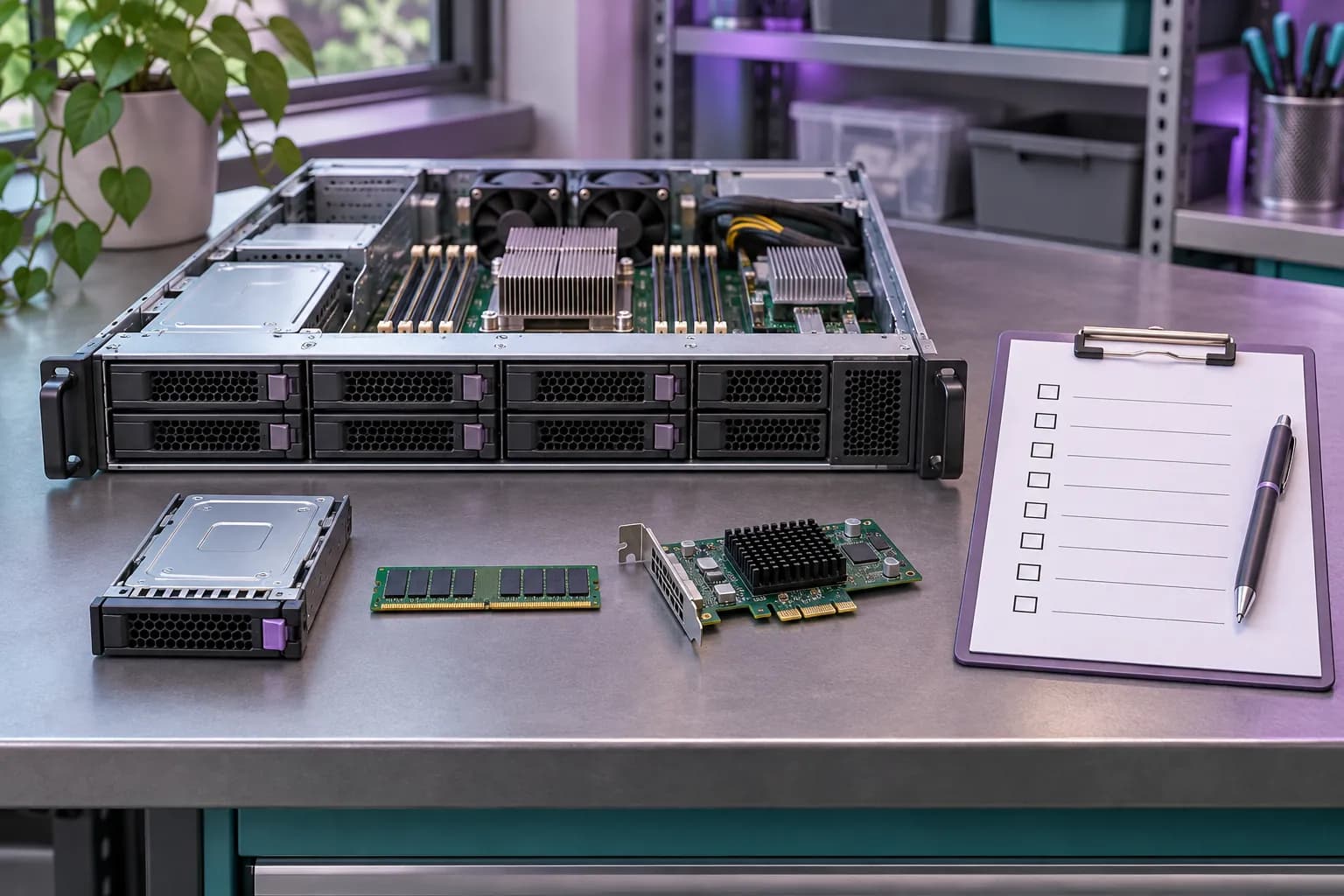
Before ordering a refurbished server, check the proposed parts and software as one configuration: identify the exact platform, trace each drive through its backplane and controller, and record the evidence and unresolved questions for every dependency.
A server model can be sold with different processors, bays, risers and controllers. A part that fits physically may still be wrong for the selected configuration. Use the register below before accepting a quote; use the separate inspection checklist when agreeing condition and arrival checks.
Start with the workload and exact platform
Record the workload, operating system or hypervisor and exact version, including the intended boot and storage arrangement. Identify the chassis model and revision, processor model and count, and the fitted risers. Ask for the unit's configuration or service identifier and a written parts list. Check the platform maker's current documentation and the software vendor's support information for those versions; a component appearing in a general model guide does not by itself prove the complete build is supported.
Follow each drive from bay to software
For every drive group, record part number, interface, capacity, condition and carrier. Then identify its bay, backplane, cables, controller or HBA, controller mode and firmware. Check each connection and the requested RAID or pass-through arrangement against the documents for those exact parts. Finally check the driver and operating system or hypervisor version. A physical fit, a matching connector or a RAID label alone is not enough.
For example, Dell's PowerEdge R640 documentation lists distinct drive configurations for that model. Its technical guide and drive specifications are useful starting points for an R640, but neither establishes that an unspecified drive, backplane and controller combination is supported. Record the exact configuration and applicable restrictions before marking a line verified.
Check memory, expansion, power and cooling
List each memory part number, type, capacity and slot position against the installed processor count. Compare the proposed population with the exact platform's memory rules. For adapters, record the part, slot and riser, then check the platform's restrictions and the adapter's power, cooling and software requirements. Confirm supply configuration and cooling against the complete build and the installation environment. Where an option depends on a second processor or a particular riser, record that dependency rather than assuming it is fitted.
Copy the configuration evidence register
Use one row per component or dependency. The entries below are prompts, not verified compatibility claims. Add columns or repeat rows for each drive group, memory type and adapter. Keep the source URL, document revision and relevant page or section with the exact item it supports.
| Item and proposed detail | Evidence and seller confirmation | Status | Acceptance test and owner |
|---|---|---|---|
| Workload; OS or hypervisor and exact version | Vendor support URL, revision and scope; seller response | Unresolved | Agree boot and driver test; name owner |
| Chassis model, revision, identifier; processor models and count | Platform guide section and unit configuration; seller response | Unresolved | Compare identifiers and installed CPUs; name owner |
| Memory part number, type, capacity, count and slot map | Platform memory rules and parts evidence; seller response | Unresolved | Check population and run agreed memory test; name owner |
| Drive part number, interface, capacity, condition and carrier | Drive and platform documentation; seller response | Unresolved | Check identifiers and drive detection; name owner |
| Bay, backplane and cable part numbers and connections | Platform configuration diagram and parts evidence; seller response | Unresolved | Inspect connections and test each populated bay; name owner |
| Controller or HBA model, mode and firmware | Controller and platform documentation; seller response | Unresolved | Check mode, firmware and intended storage path; name owner |
| Adapter, slot and riser; power supplies and cooling | Platform and adapter restrictions; seller response | Unresolved | Inspect parts and test under agreed load; name owner |
| Driver, firmware access, software support and licences | Software support matrix, version and entitlement evidence; seller response | Unresolved | Confirm access and boot with intended versions; name owner |
Mark a line verified only when the evidence covers the exact proposed item and its dependencies; record the document revision and seller's written confirmation. Mark a conflict incompatible and an unanswered or incomplete line unresolved. Assign an owner and resolution date to each open item. Agree any substitute and repeat the affected checks, because a change in one part can alter another line.
Agree tests, access and remedies before ordering
Ask who will perform each acceptance test, what result counts as a pass, what evidence will be supplied and what remedy applies if the delivered configuration differs or fails. Confirm firmware download access, support status, management features and software licence entitlement and transferability for the specific unit. Do not assume a firmware update, licence or support contract is included.
For previously used storage, ask for the supplier's sanitization record for the relevant drives. NIST SP 800-88 Revision 2 describes sanitization program controls; a reference to that guidance does not prove that any particular drive was sanitized. Agree the evidence and remedy with the seller.
Send the register with your request
Send the completed lines and open questions with your request for refurbished servers. Servers Dubai works in partnership with FC Trading LLC and sources to order. State which components must match exactly and which substitutions need your written approval. Keep the seller's response with the register for the arrival checks.
Related reading
Leave a Comment
Your email address will not be published.